





Winlion Casino Mobile App





WinLion Casino: Guide for Android & iOS Downloads
If you’re here to get playing on your phone, we’ll keep the steps clear and direct. Our platform is built to run smoothly on mobile screens, with menus sized for touch controls and game windows that scale to fit phones and tablets used across Canada. Before you start, use a stable internet connection and make sure your device software is up to date, since older versions can block installs or cause login issues.
Below, we cover how to install on Android, what to do on iPhone and iPad, and the option to play in your browser if you’d rather skip installing anything.
Steps to Install the Winlion Casino Android Application
Real-money gaming apps can be restricted in Google Play, so Android users may need to install by downloading the APK directly from our official website. This route helps you get the current version without relying on third-party app stores.
To stay safe, we suggest two checks before you install:
- Download only from our official site, not from links shared on forums or social media
- Confirm the file name and version shown on the download page matches what you expect before you open it
Once you’re ready, start your Winlion app download from the Android download page on our site.
APK Installation Process
Here’s the standard APK setup flow on most Android phones and tablets:
- Download the APK file
Tap the Android download button on our site and wait for the file to finish downloading. You’ll usually see it in your notification shade or in the “Downloads” folder. - Open the file
Tap the downloaded APK. Android may show a warning about installing apps from outside the Play Store. This is normal for direct APK installs. - Allow installs from unknown sources (one-time permission)
Android will ask you to permit installs from your browser or file manager app.- On many devices, you’ll see a prompt like “Allow from this source.”
- Turn it on for the app you used to download the file (often Chrome).
After installation, you can switch this permission back off.
- Confirm the installation
Tap “Install” and wait for the setup to complete. If your phone asks for extra permissions, read them and only approve what you’re comfortable with. - Launch and sign in
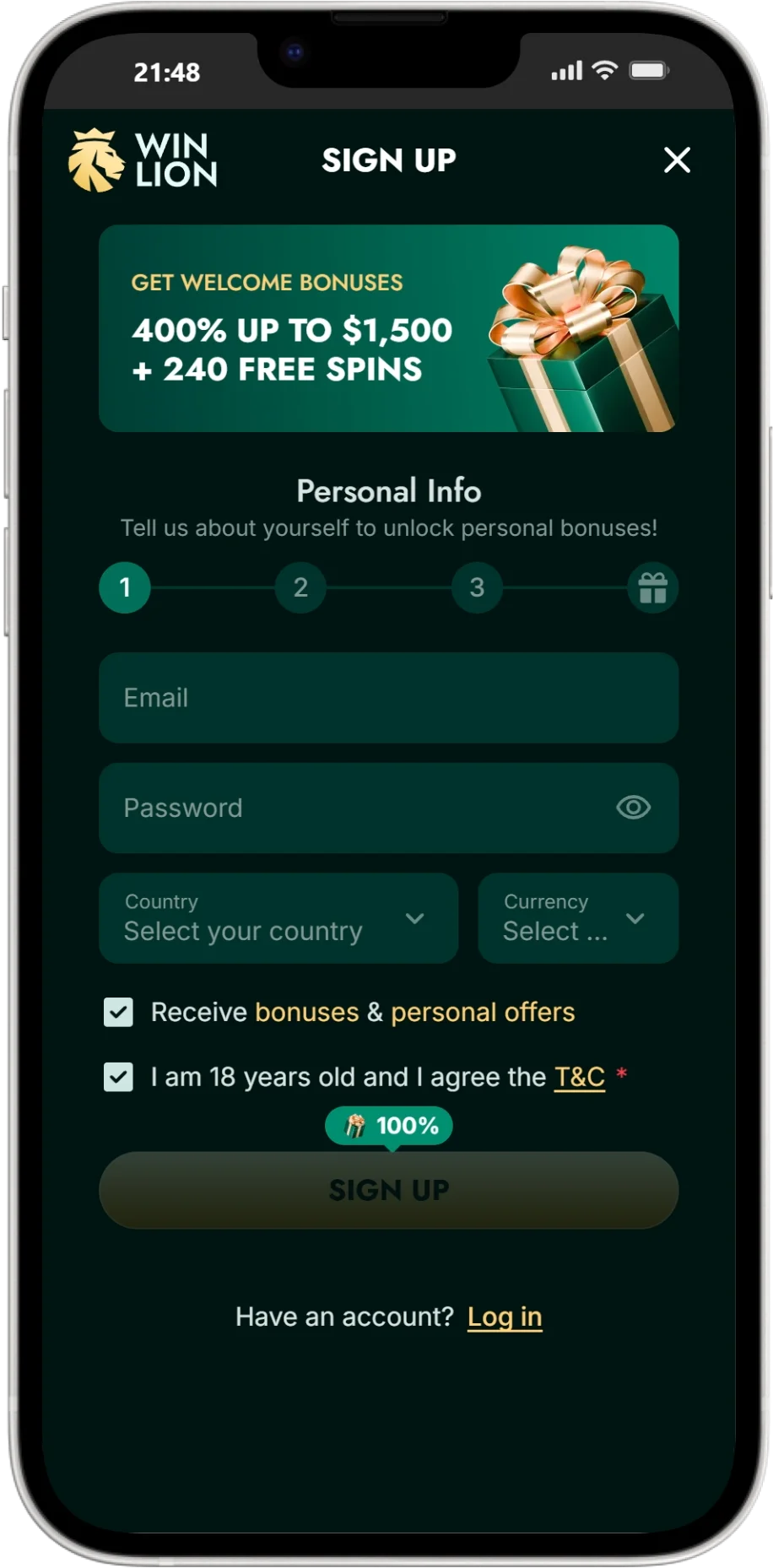
Open the app and log in with your existing account details. If you’re new, you can register from the same screen and follow the verification steps when prompted.
If you ever need to update, repeat the download from our official page so you’re using the newest build. This approach is also the safest way to manage Winlion download files on Android.
Accessing Winlion Casino on Apple iOS Devices
On iPhone and iPad, the setup method depends on the current release option listed on our site. Some real-money operators offer an iOS listing, while others provide a Safari shortcut that behaves like an app icon on your home screen.
Start by opening our website on Safari and checking the Mobile or App section for the current iOS instructions.
If our iOS method uses a Safari shortcut, the steps look like this:
- Open the Winlion site in Safari
- Tap the Share icon
- Select Add to Home Screen
- Name the shortcut and tap Add
That creates a home-screen icon that opens the mobile-optimized site in a focused view. It’s a good option if you want quick access without installing extra software.
If our iOS method uses the App Store, follow the link provided on our site to avoid copycat listings. From there, download, open, and sign in as normal. This keeps your Winlion Casino app download path tied to the official source.
Playing via the Winlion Mobile Web Platform
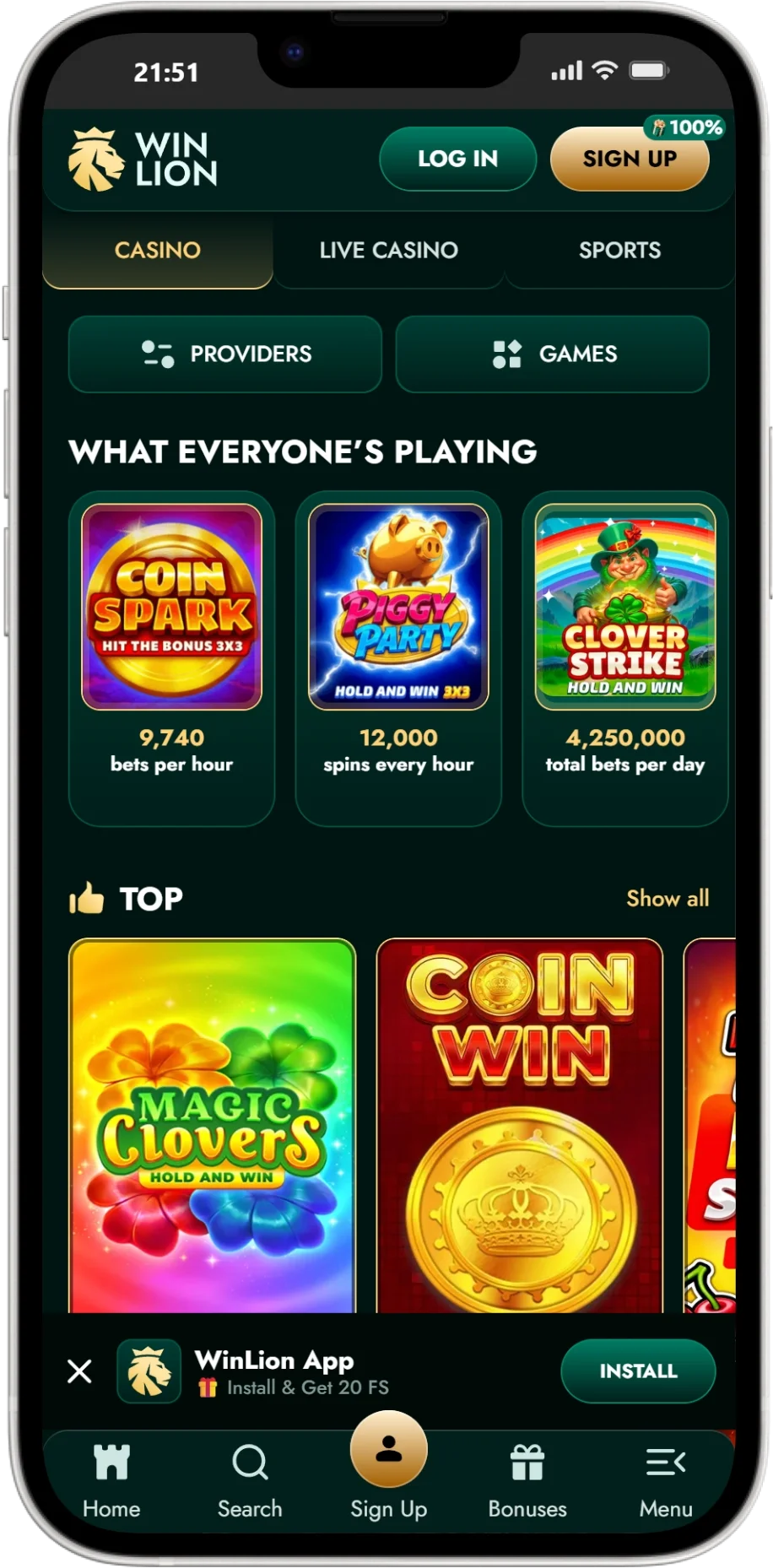
If you prefer not to install anything, you can play through our mobile website in your browser. This works well on modern devices using Chrome (Android) or Safari (iOS). The mobile web lobby provides access to games, payments, and account tools in a layout designed for touch screens.
Browser play is also handy if:
- You’re using a shared device and don’t want to leave an installed icon behind
- You want fast access while travelling inside Canada
- Your phone storage is tight
For best performance, keep your browser updated and close unused tabs before launching games.
Key Functionalities of the Winlion Mobile App
When you use the Winlion mobile app, the goal is simple: faster access to the lobby and account tools on a small screen, with features that fit phone habits.
Here are the practical benefits many players look for:
- Push notifications
If enabled, notifications can alert you to account messages, promo updates, or key status changes. You can control this from your device settings. - Quick load and smoother navigation
A dedicated app interface can reduce the number of steps between login, cashier, and game categories compared with opening a fresh browser session each time. - Safer login options on supported devices
If your phone supports biometric unlock (Face ID, fingerprint), you can use it as an added convenience layer after you’ve set it up on your device. For account safety, we also recommend a strong password and logging out on shared devices. - Account controls in one place
Limits, verification prompts, and support access are easier to reach when the layout is built for mobile use.
When using the Winlion app, always install updates from our official download page so your login and payment tools stay current.
Comparing Mobile App Performance to the Desktop Experience
Desktop play gives you a larger screen, which can feel better for multi-panel views like live tables, stats panels, or long slot sessions. Mobile play is about flexibility: quick sessions during breaks, commuting (as a passenger), or relaxing at home without opening a laptop.
Our Winlion Casino mobile experience is designed so you can switch between phone and desktop without learning a new layout. The same account, balance, and core lobby structure carry across devices, so you can start on desktop and continue on mobile later.
If your priority is convenience, the Winlion Casino app can be the better fit. If your priority is screen space and multi-window browsing, desktop stays a strong choice.
FAQ
Use only the official website to get the Winlion app for android. Because Play Store access can be limited for real-money apps, we provide an APK download on our site. Download the file, allow installs from the source you used (usually Chrome), install, then open and sign in. After the install, you can switch off the “unknown sources” permission for extra peace of mind.
The availability can depend on the current release method listed on our website. Check the iOS instructions on our site first. If an App Store listing is active, we link to it there. If not, we provide a Safari home-screen shortcut option that still gives you full mobile access through the web lobby.
No. You can play through the mobile website in Chrome or Safari without installing anything. If you want an installed experience, use the Winlion Casino app option listed on our site or set up a home-screen shortcut on iOS. Our app-based route is the Winlion Casino app download free option offered through official channels.
We protect cashier sessions with standard account security measures and encrypted connections. For your side of security, use a private network, avoid public Wi-Fi for deposits or withdrawals, enable a screen lock on your device, and sign out after use on shared phones. If you’re using the application Winlion on Android via APK, download only from our official site and keep the app updated. If you’re using the Winlion application on iOS through a store listing or Safari shortcut, follow the official link path from our site so you don’t end up on an imitation page.